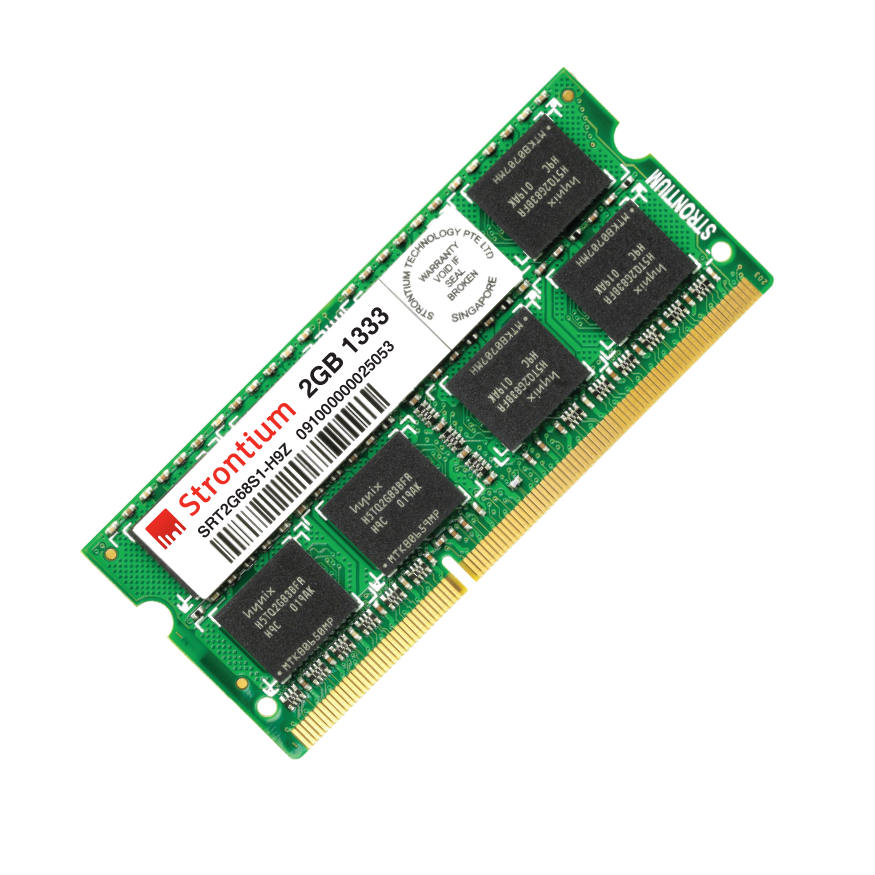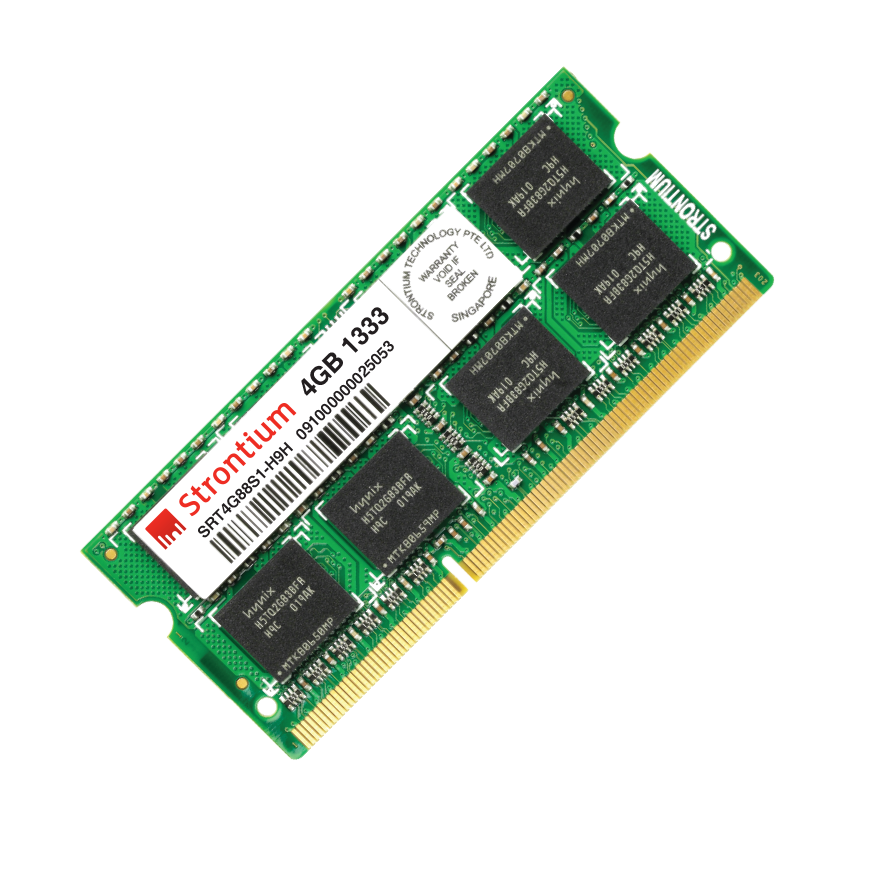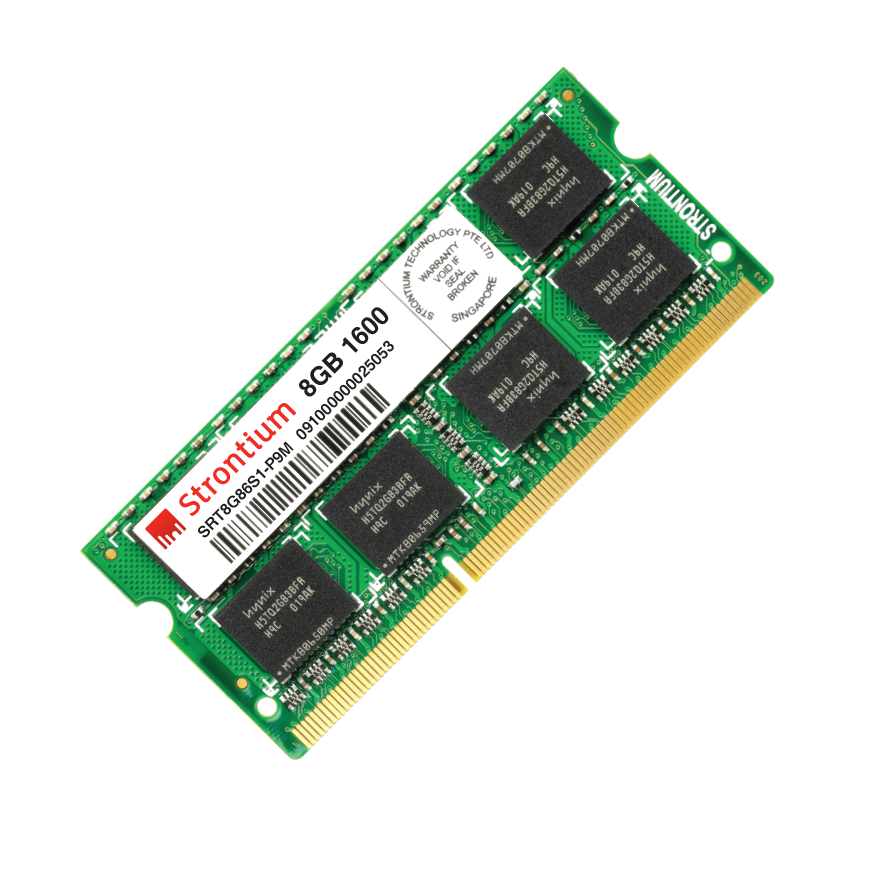
Laptop Memory
Even though the computer system is inevitable for human life, laptops are our close companion than a desktop system, because of their portability and that they are smaller in size which is evident from the transition of using a desktop to a laptop, in today’s times. Laptop components are not only smaller and portable, but also slow spinners since it needs to have control on consumption of energy in applications and other computing. It needs much better-performing RAM modules. Strontium offers you the best and affordable RAM (Random Access Memory) modules to enhance the performance of your laptops.
Strontium laptop RAM is the sure solution for your performance hungry laptops as it is designed highly optimized to deliver the best output. It encompasses the most modern DRAM interface specifications and it leads Strontium laptop memory modules to have its position in the high-quality DDR3 RAM segment.
Along with its reliability and quality, which are the hallmarks of all our products, Strontium laptop memory is moulded in such a way that it suits to perform well under any rigorous conditions. It also provides the users definitive choices besides its high compatibility.